A book built for action
FDE Playbooks: start in the field
FDE means Forward Deployed Engineer. In the book, it is a role leaders take on: go where the work happens, understand the friction firsthand, then build and test a better workflow.
Start with the self-guided Front Door Audit
This is a free exercise from the book. If you would like support, the Front Door Audit Consultancy Program is a separate, consultant-led service with fixed introductory market prices.
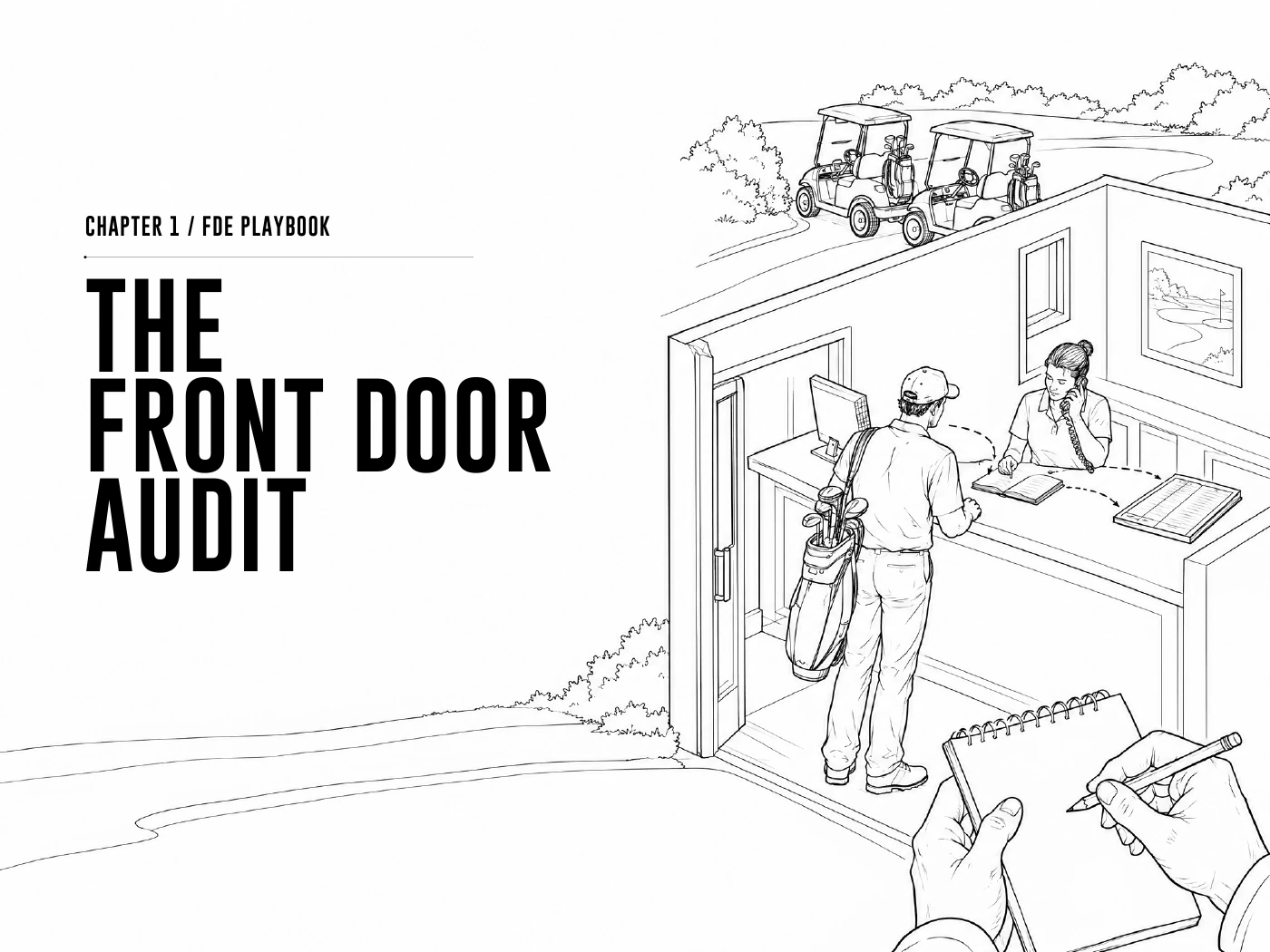
The first playbook in The Pro Shop Moment asks a simple question: how does work enter your business? Set aside 60–90 minutes with the team handling your main phone line, reception desk, inbox or service counter. Watch before proposing a solution.
1. Map the front doors
List the channels where customer intent first appears: phone calls, shared inboxes, website forms, walk-ins and direct messages. Identify the one that carries the most repeated requests or the most visible friction.
Write down: the channel, the team receiving requests, and the systems they use to resolve them.
2. Separate intent from navigation
Record three common requests in the customer’s own words. Choose one and follow it all the way to a confirmed outcome. Note each screen, transfer, copied field and follow-up.
Example: “Move my booking to Thursday” is the intent. Logging in, cancelling, choosing another slot and re-entering details is the navigation the current system requires.
3. Find the hidden human work
Look for the things experienced staff know but the software does not: industry language, unwritten exceptions, missing context and the moment a customer needs reassurance. Record the work without identifying individual customers in your audit notes.
Ask: what did the employee have to remember, interpret, re-enter or fix? What would fail if that person were absent?
4. Use the book’s readiness questions
- Does this request happen frequently—around ten or more times a day?
- Is it close to customer satisfaction or revenue?
- Is the outcome standard even when people ask in different ways?
- Are staff acting as the bridge between the customer and the database?
In the book’s scorecard, three or more “yes” answers identify a candidate for closer investigation. This is a prioritisation exercise, not proof that the workflow is safe or ready to automate.
Before building: define authority and evidence
For the workflow you selected, write a one-page brief. Name the owner, the records needed, the actions AI may perform and the actions that need a person’s approval. Include how to stop, reverse or escalate a failed action.
Test with realistic exceptions as well as easy requests. Check the source system after each action. The system should only tell the customer the job is complete when there is evidence that it is.
Measure the outcome
| Measure | What to record |
|---|---|
| Completion | Eligible requests that reach a verified outcome, divided by all eligible requests. |
| Time | Elapsed time from the request to confirmation, plus the staff minutes required. |
| Exceptions | Handoffs, failed actions, repeated contacts and the reason for each. |
| Trust | Incorrect confirmations, unauthorised changes and how quickly they were corrected. |
Record a baseline before the trial and compare similar requests over the same reporting window. Keep the human review process visible. A faster response is useful only when the customer gets the right result.
For an example outside golf, follow the hotel late-checkout workflow.